Gmail
-
4.1
- Free Price
- Communication Category
- Google LLC Developer
-
NameGmail
-
PriceFree
-
CategoryCommunication
-
Rating4.1
-
DeveloperGoogle LLC
Latest Update: Gmail Is Getting Another Redesign
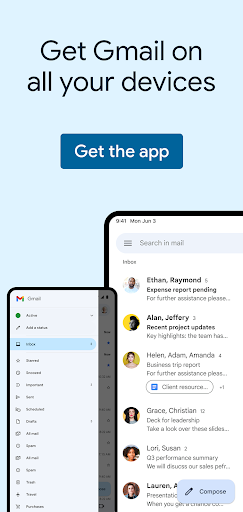
Aiming at making it easier for users to switch among different apps, Google is rolling out a new design for Gmail. Users will be able to click into Chat, Spaces and Meet with a left-hand menu. Besides, with a better filter function, users can find letters faster than before. Download Gmail now and get ready for a better experience.
Use Gmail to send and receive emails quick and safe.
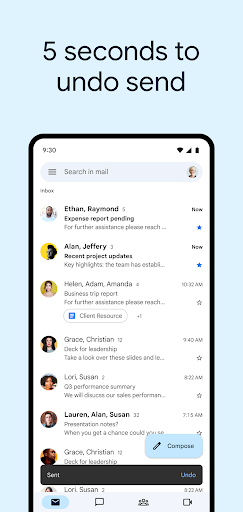
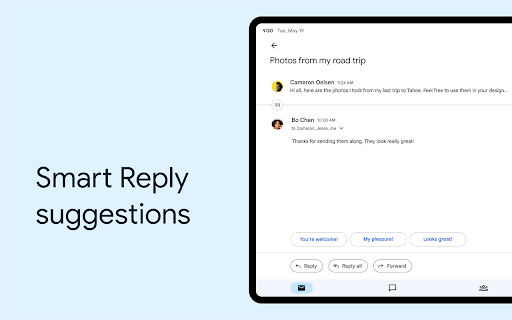
Get your emails instantly via notifications, view or respond messages both online and offline, and search for any messages in a very short time.
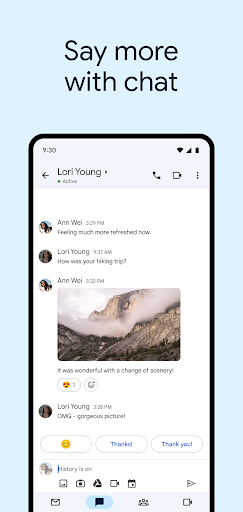
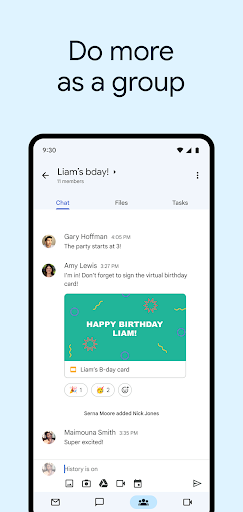
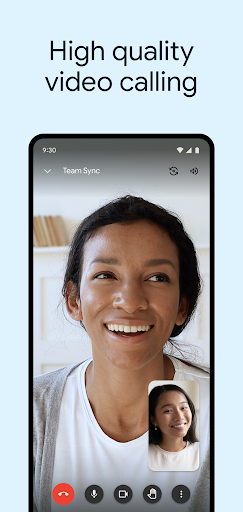
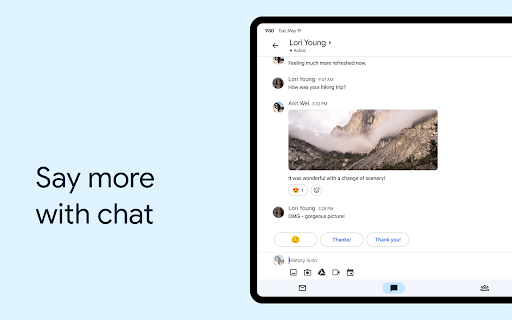
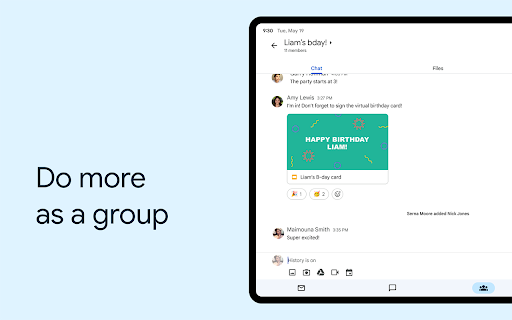
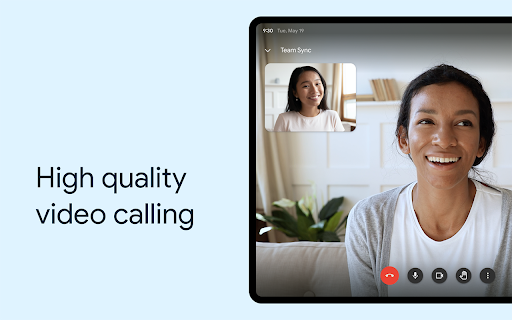
Gmail now consisted of four components: Mail, Rooms, Chat, and Meet. Those four separate components attempted to rival Zoom, Slack, and Microsoft Teams.
This new integrated Gmail experience will make it easier for users to “collaborate directly within the context of where you are doing your work at that moment”.
September 22, 2022: Gmail Is Trying to Keep Campaign Emails out of Spam
According to Google, Gmail launched a pilot program to prevent political campaigns’ emails from going to users’ spam folders. As the midterm election is approaching, this action will help users see more information from both the Republican Party and the Democratic Party. Besides, this change will also improve the user experience and provide more certainty for senders during this election period. Update Gmail now and learn more information from this election!
June 29, 2022: New User Interface
Google has updated its UI that pulls Meet, Chat and Spaces on one rail, which shows at the top of the left rail. This new update allows users to jump into a conversation in any one section as a list will pop out when you mouse over its icon. To try this new UI, you can choose which apps are included there in the Quick Settings menu.
March 28, 2022: New option to pause mobile notifications
Gmail is rolling out a new option that allows users to turn off notifications on their mobile devices when using Gmail on their computer. Once they choose to enable the feature, users will only be able to see notifications of new emails on their desktop. When users step away from their computer, notifications will start coming on the phone again.
March 17, 2022: Draft template
Gmail is partnering with Google Docs to roll out a new feature that allows users to draft emails in Docs and export them to Gmail with a click. To access the new feature, users can simply enter “@email” in a Google Doc to load an email template. Participants in the Doc can collaborate on the message body as a normal document, including posting comments and suggestions. When it’s ready to send, users can click the Gmail icon on the left, and an actual Gmail compose window with all of the fields automatically filled in will pop up.
With the Gmail app:
Have an organized inbox
Read messages by social or promotional categories.
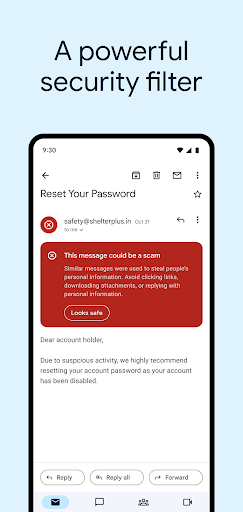
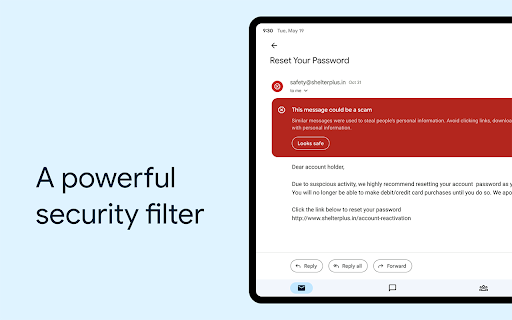
Get less spam
Gmail helps you block some spam before they reach your inbox.
15G free storage
Enough space for you to store information.
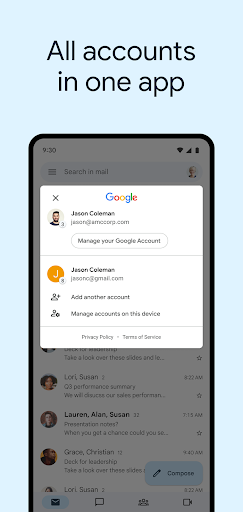
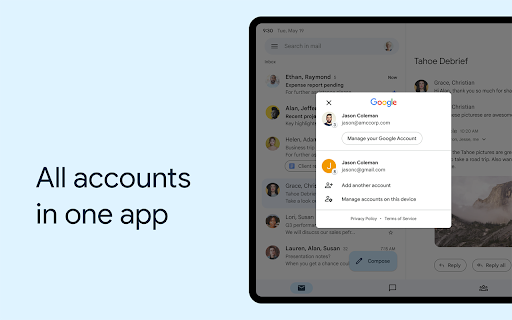
Support multiple accounts
Use Google accounts or other mail addresses like Outlook, Yahoo Mail.
Gmail delivers messages in a very quick mode, and it handles spam excellently. Gmail also supports rich text features, which means you can use fashionable fonts, various colors, hyperlinks, emoticons, and past photos directly into the mail content.