Roku Remote Control: RoByte
-
4.7
- Free Price
- Video Players & Editors Category
- TinyByte Apps Developer
-
NameRoku Remote Control: RoByte
-
PriceFree
-
CategoryVideo Players & Editors
-
Rating4.7
-
DeveloperTinyByte Apps
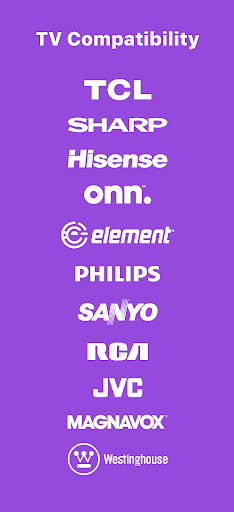
RoByte is a simple and easy to use Roku remote control that works with your Roku Player or Roku TV.
Features:
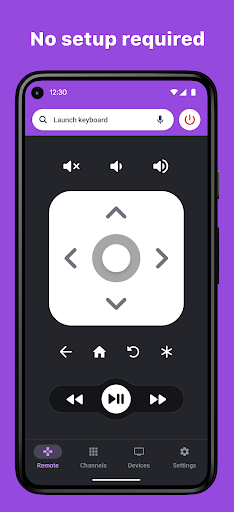
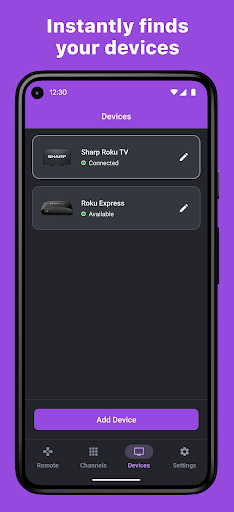
• No Setup required, RoByte automatically scans for your device
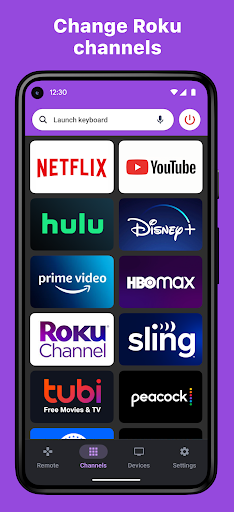
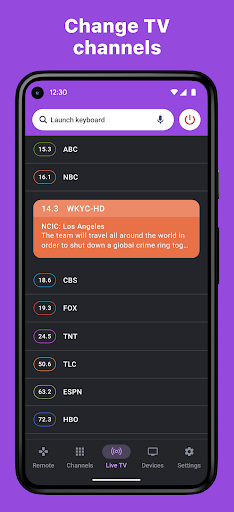
• Easy channel switcher
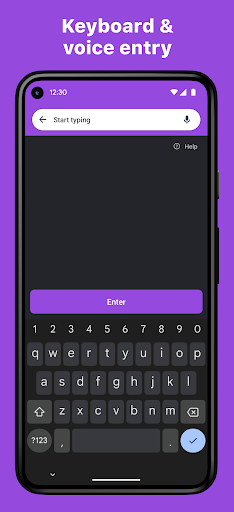
• Use your keyboard for super fast text & voice entry on channels like Netflix or Hulu.
• View all your TV channels and jump directly to the one you like.
• Adjust your Roku TV's volume and toggle the input.
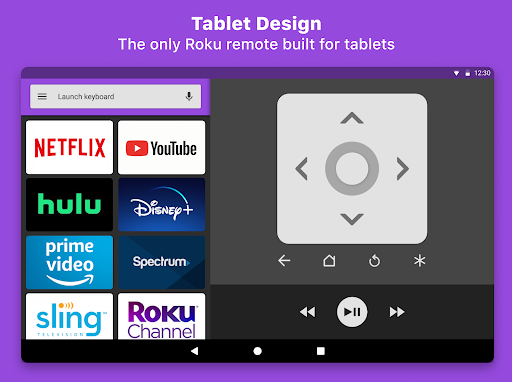
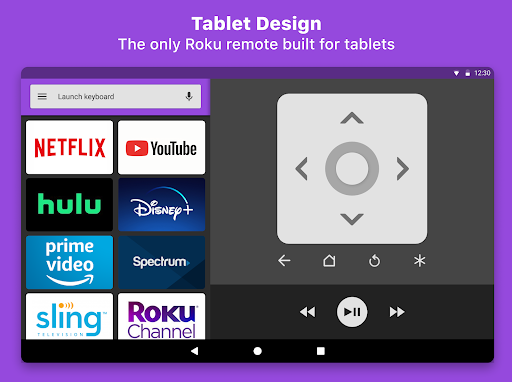
• Tablet support
• Android Wear support, quick access to play/pause from your wrist
• Navigate using D-pad or Swipe-Pad
• Pair with multiple Roku devices
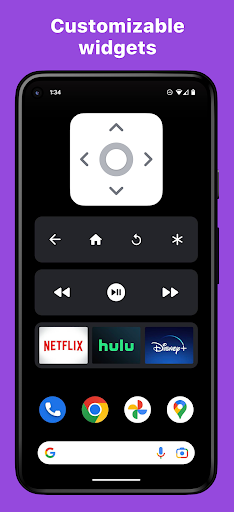
• Customizable Widgets turn your Android homescreen into a Roku remote
• Option to keep the wifi from sleeping
• Built with material design for Android Lollipop
RoByte Free features:
• Roku remote control
• Play/pause, fast forward, rewind
• Pair with multiple Roku devices
RoByte Premium features:
• Channel switcher
• TV Channels & Volume
• Keyboard & Voice Search
• Homescreen widgets
• Android Wear support
With RoByte we wanted everyone to have the best Roku remote app so we made the remote control functionality free.
Quick tips:
• Most problems connecting to your Roku can be resolved by simply reinstalling RoByte.
• RoByte can only connect if you are on the same wifi network as your Roku device.